A home base for the whole family
Chores and stars, the family calendar, meal planning and shared lists, in one app used by the grown-ups and the kids.
Works on iPhone, Android and the web. No app store needed.
Kids do the chores. They earn the stars. They pick the reward.
Every chore is worth stars. Finish every day in a row and a streak adds bonus stars. Once today's chores are done, kids can pick up extra jobs for more. Then they spend what they've earned in a rewards store you stock.
Reusable checklists handle the morning routine. Chore wheels decide whose week it is for dishes, so you don't have to.
Today
Rewards store
And the rest of the week
The calendar, dinner and the lists live right next to the chores, so there's one place to look.
Family calendar
One shared calendar for the household, with everyone in their own color.
- Two-way sync with Apple Calendar
- Import from Google Calendar
- Subscribe to any .ics feed: school, the sports team, your co-op
- Checklists linked to an event, like a packing list for game day
Meal planning
Plan the week's dinners in one place, and stop answering "what's for dinner" five times a night.
- Paste a recipe link and Huddle reads the name, prep time and ingredients
- Every meal you plan is saved to your recipe book
- Scale ingredients up for a crowd
- One tap turns the week's meals into a grocery list
Shared lists
Groceries, packing, the hardware store. Categorized, and anyone can add to them.
Countdowns
Birthdays, holidays and anything else the family is counting down to.
Notifications
Push reminders, with each person choosing which kinds they get.
Little touches
Local weather on the home screen and seasonal themes that change with the calendar.
No app store required
Install Huddle straight from your browser on any phone, tablet or computer. Add as many grown-ups and kids as you have, and everyone joins with a simple invite code.
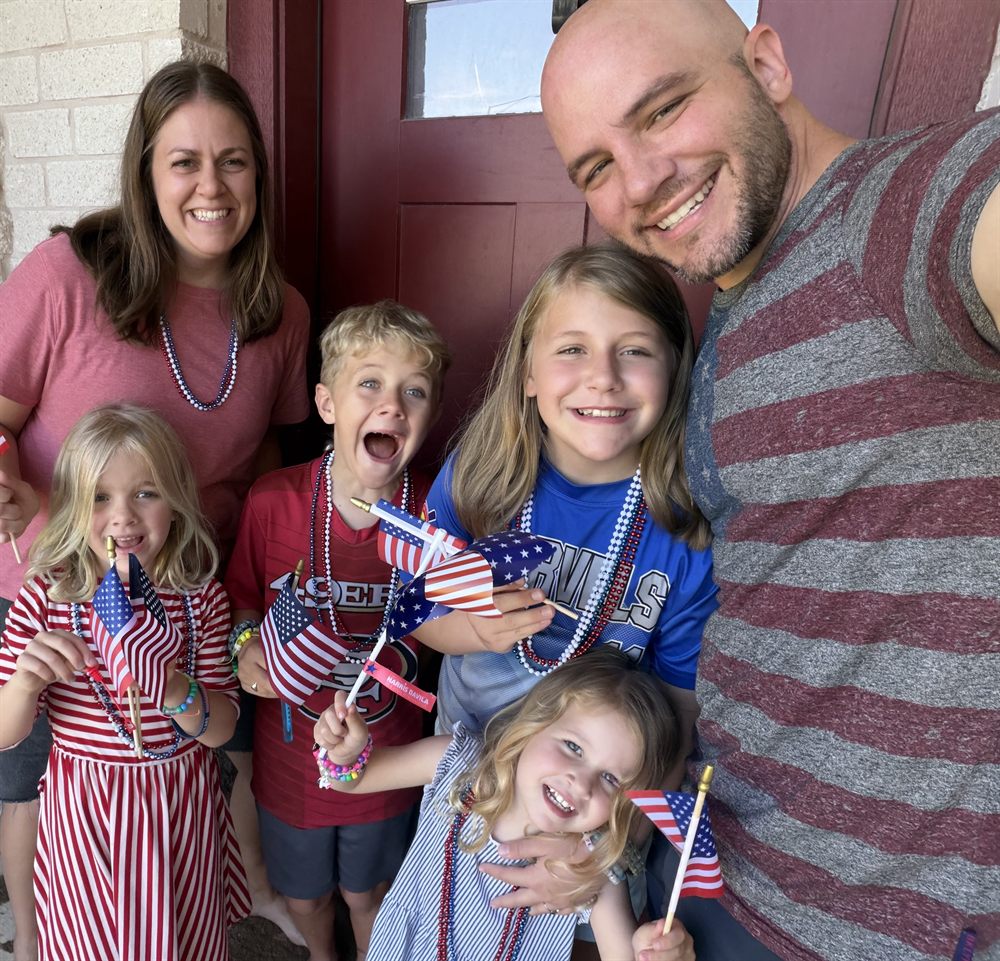
Hi, I'm Mike
We're a homeschooling family of six in Georgetown, Texas. I built Huddle because our chore chart, our calendar and our dinner plan all lived in different places, and none of them were where the kids could see them.
If it helps your house too, I'd love to hear about it. Every email comes to me.
MikeBe one of our first families
We're opening Huddle to a small group of families first. Leave your email and we'll send your invite code when it's ready.
One email when your invite is ready. Nothing else.